The Self-Hosted AI Finance App For Every Receipt, CSV, Document, and Reminder
Cashlytics is a free, open-source budget application you run on your own server. Track accounts, plan reserves for irregular bills, store documents, search every record, convert currencies with live rates, forecast account balances, and use an installable PWA with recurring-payment reminders. Optional AI (OpenAI key) adds an assistant, receipt scanning, and bank CSV import.
demo@cashlytics.onlineadmin123456789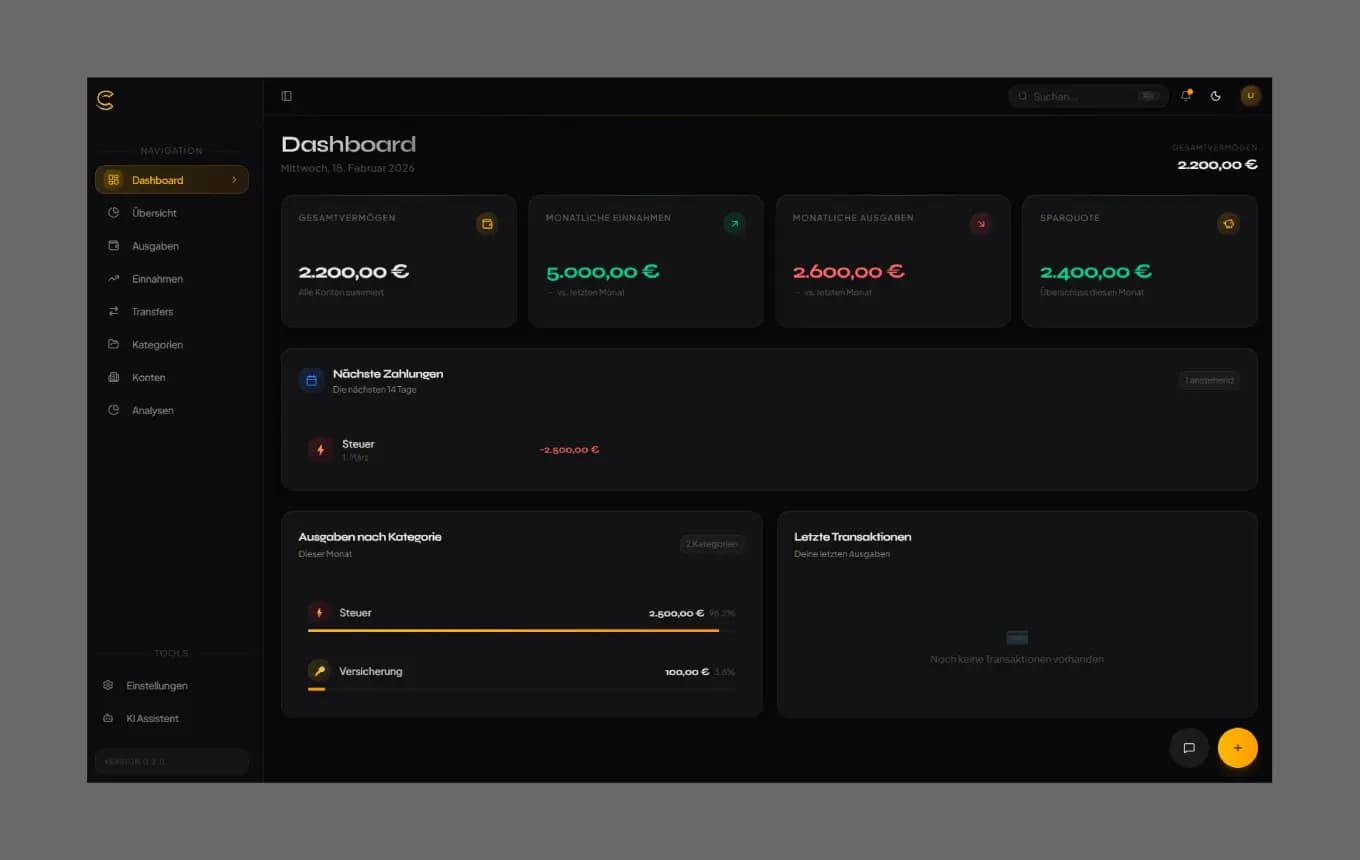
All the Features of a Personal Finance App, Hosted by You
From an AI assistant and daily insights to multi-currency tracking and CSV import — everything a modern finance app needs, without the monthly bill.
Personal Finance Dashboard
Your entire financial picture at a glance — planned balances, spending, and net worth across all accounts.
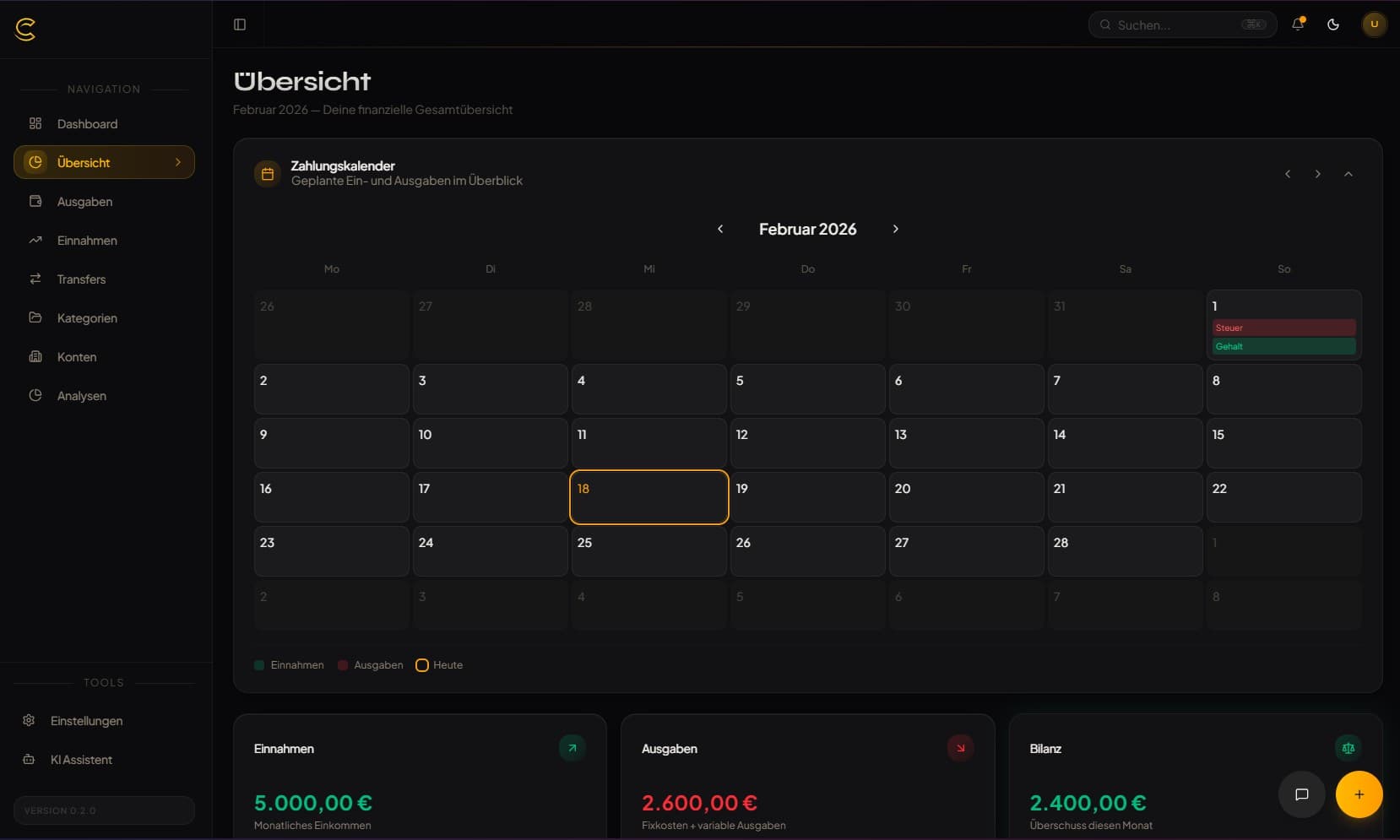
AI Financial Assistant
Ask your finances in plain language, see daily spending insights, and let the assistant create or change entries after you approve a preview. Optional — needs an OpenAI API key.
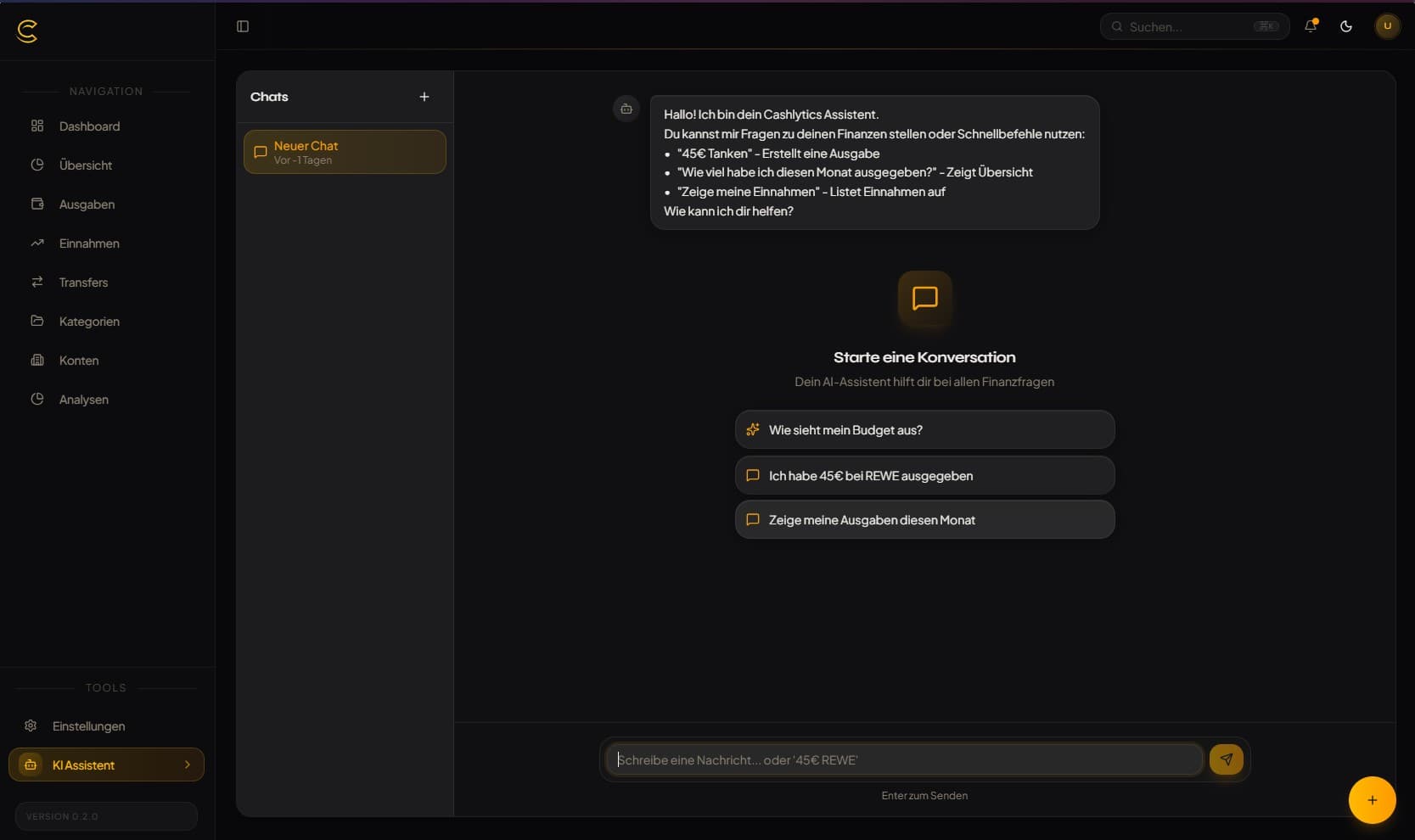
Spending Analytics & Forecasts
Monthly spending overview and account-level balance forecasts before bills hit.
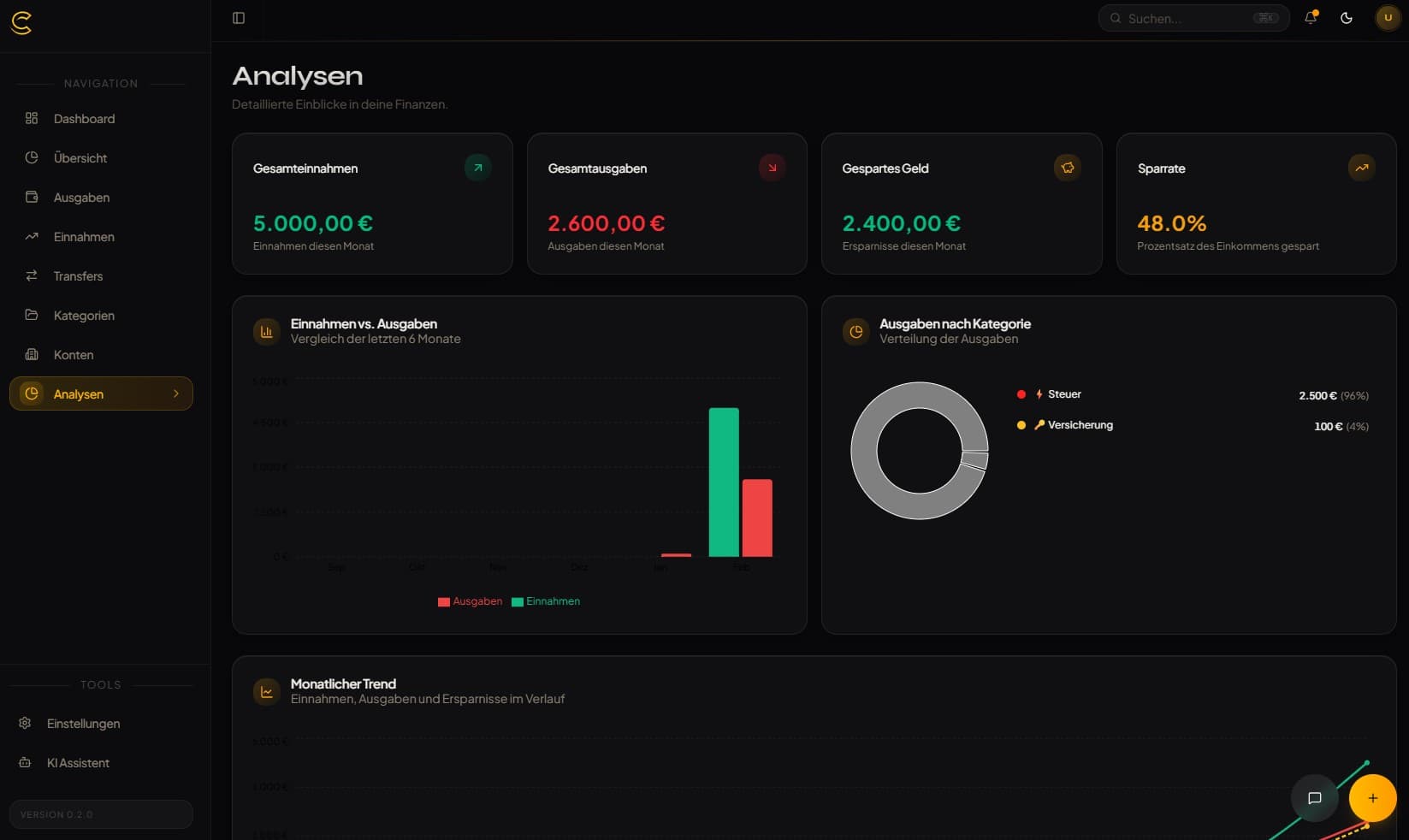
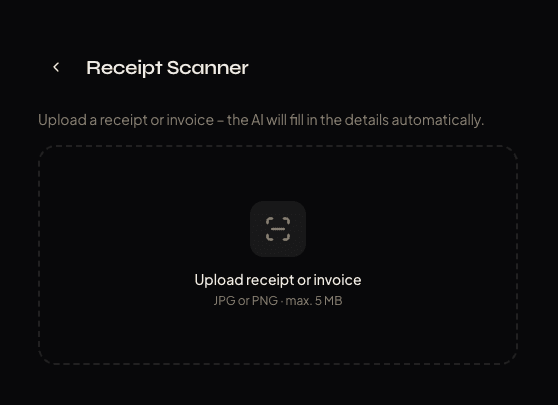
AI Receipt Scanner
Upload photos (JPG/PNG) — AI extracts merchant, amount, date, and a category suggestion. Optional — needs an OpenAI API key.
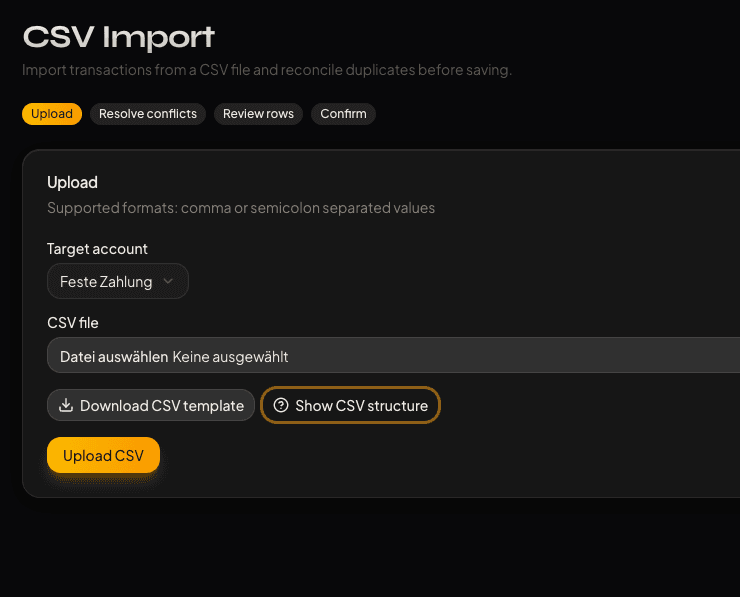
AI CSV Reconciliation
Import bank CSVs (.csv/.txt), map headers (EN/DE/DA column names recognised), detect duplicates, and review before committing. Needs an OpenAI API key.
Global Search
Find accounts, transactions, and transfers from one fast command-style dialog.
Installable PWA
Install on phone or desktop like a native app — pages you visited stay readable offline (cached up to 7 days, per user).
Push Notifications
Web-push reminders for upcoming bills and recurring payments (needs VAPID keys).
Multiple Users
Turn off single-user mode to allow open registration — each user gets their own private data space.
Currency Converter
Store original currencies across 21 supported currencies, converted with daily live exchange rates (Frankfurter API).
Reserves Plan
Set aside a fixed monthly amount for bills that are due less often than monthly and see today's target balance.
Read-Only REST API
Token-authenticated REST API v1 (accounts, payments, summary, insights) for Home Assistant and scripts.
Multi-Language (EN/DE)
English and German out of the box. Add more by contributing a translation file.
Learning Merchant Categories
The AI assistant remembers which category you approved for a merchant and suggests it next time. Optional — needs an OpenAI API key.
Documents Library
Attach receipts and invoices to transactions, managed from a central library.
Multi-Account Tracking
Checking, savings, and ETF accounts — all in one dashboard.
Secure Authentication
Password login with reset via SMTP. Secure by default.
SMTP Email Integration
Connect any mail server for password-reset and welcome emails.
Single-User Mode
Registration locks after the first account — ideal for solo use on your own server.
See It In Action
Receipts, CSV reconciliation, documents, reminders, reserves, search, currencies, and forecasts in one self-hosted finance workspace
Quick Start
Get Cashlytics running in under 5 minutes
Download & Configure
Download the official self-hosting compose file and .env template.
mkdir cashlytics && cd cashlytics
curl -O https://raw.githubusercontent.com/aaronjoeldev/cashlytics-ai/main/docker-compose.selfhost.yml
curl -o .env https://raw.githubusercontent.com/aaronjoeldev/cashlytics-ai/main/.env.exampleReview Compose
Use the bundled compose setup with app, cron jobs (reminders, daily insights), and PostgreSQL.
services:
  cashlytics:
    image: ghcr.io/aaronjoeldev/cashlytics-ai:latest
    ports:
      - "3000:3000"
  cashlytics-cron:
    image: alpine:3.20
    environment:
      CRON_SECRET: ${CRON_SECRET}
      NOTIFICATION_SCHEDULE: ${NOTIFICATION_SCHEDULE:-0 8 * * *}
      INSIGHTS_SCHEDULE: ${INSIGHTS_SCHEDULE:-0 6 * * *}
  postgres:
    image: postgres:16-alpine
    environment:
POSTGRES_PASSWORD: ${POSTGRES_PASSWORD}Configure .env
Set required values and optionally enable AI, push notifications, and SMTP. Adjust the values in the downloaded .env.
# Required
POSTGRES_PASSWORD=your_secure_password
# (Compose builds DATABASE_URL from this password)
AUTH_SECRET=   # openssl rand -base64 32

# Recommended for Docker/VPS/reverse proxy
AUTH_TRUST_HOST=true

# Public URL of your instance
NEXT_PUBLIC_APP_URL=http://localhost:3000

# true: registration locks after the first account (login stays)
# false: open registration
SINGLE_USER_MODE=true

# Optional - AI assistant, receipt scanner and CSV import.
# Without this key these features are off; with it, the relevant
# requests are sent to OpenAI.
OPENAI_API_KEY=sk-proj-...

# Optional - push reminders (npx web-push generate-vapid-keys)
VAPID_PUBLIC_KEY=...
VAPID_PRIVATE_KEY=...
VAPID_SUBJECT=mailto:you@example.com

# Required by the cron container (reminders, daily insights)
CRON_SECRET=   # openssl rand -hex 32
NOTIFICATION_SCHEDULE=0 8 * * *   # UTC
INSIGHTS_SCHEDULE=0 6 * * *       # UTC

# Optional - SMTP for password-reset and welcome emails
SMTP_HOST=smtp.example.com
SMTP_PORT=587
SMTP_USER=your-email@example.com
SMTP_PASS=your_smtp_password
SMTP_FROM=noreply@example.com
# APP_URL=https://your-domain.com

# NEXT_PUBLIC_DEFAULT_LOCALE / _CURRENCY only apply to
# images you build yourself (compiled in at build time).Start Cashlytics
Run Docker Compose and open your instance on port 3000.
docker compose -f docker-compose.selfhost.yml up -d

# Open http://localhost:3000
Built With Modern Tech
A robust stack for reliability and performance
Start Managing Your Finances — For Free, Forever
Take full control of your personal finances with Cashlytics — a free, open-source, self-hosted budget app with built-in AI assistance. No subscription required. Your data stays on your server — unless you enable the optional AI features, which send the relevant requests to OpenAI.