The Self-Hosted AI Finance App For Every Receipt, CSV, Document, and Reminder
Cashlytics is a free, open-source budget application you run on your own server. Track accounts, scan receipts with AI, reconcile bank CSV imports, store documents, search every record, convert currencies, forecast account balances, and use an installable offline PWA with recurring-payment reminders.
demo@cashlytics.onlineadmin123456789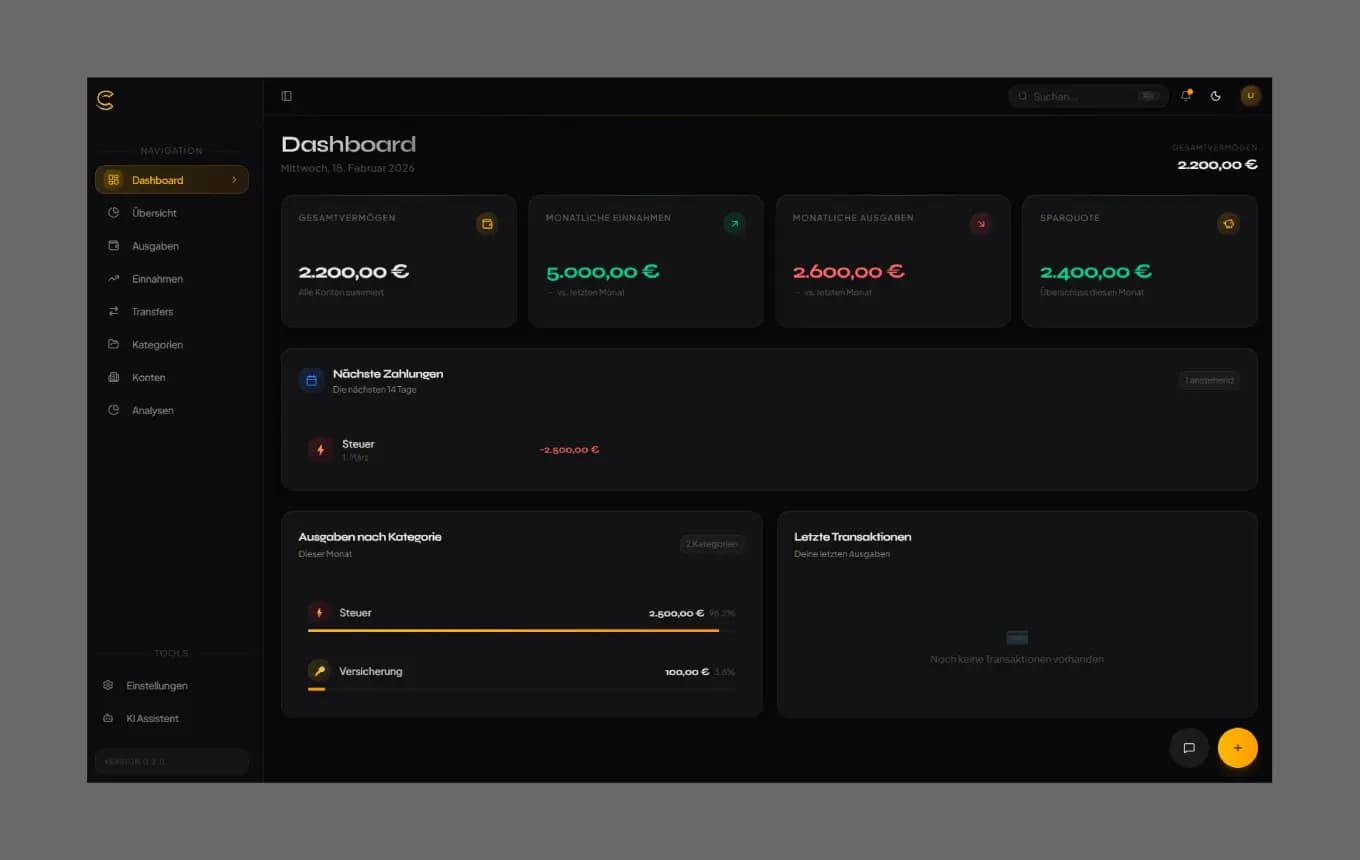
All the Features of a Personal Finance App, Hosted by You
From AI-powered insights to multi-currency tracking and CSV import — everything a modern finance app needs, without the monthly bill.
Personal Finance Dashboard
Your entire financial picture at a glance — balances, spending, and net worth across all accounts.
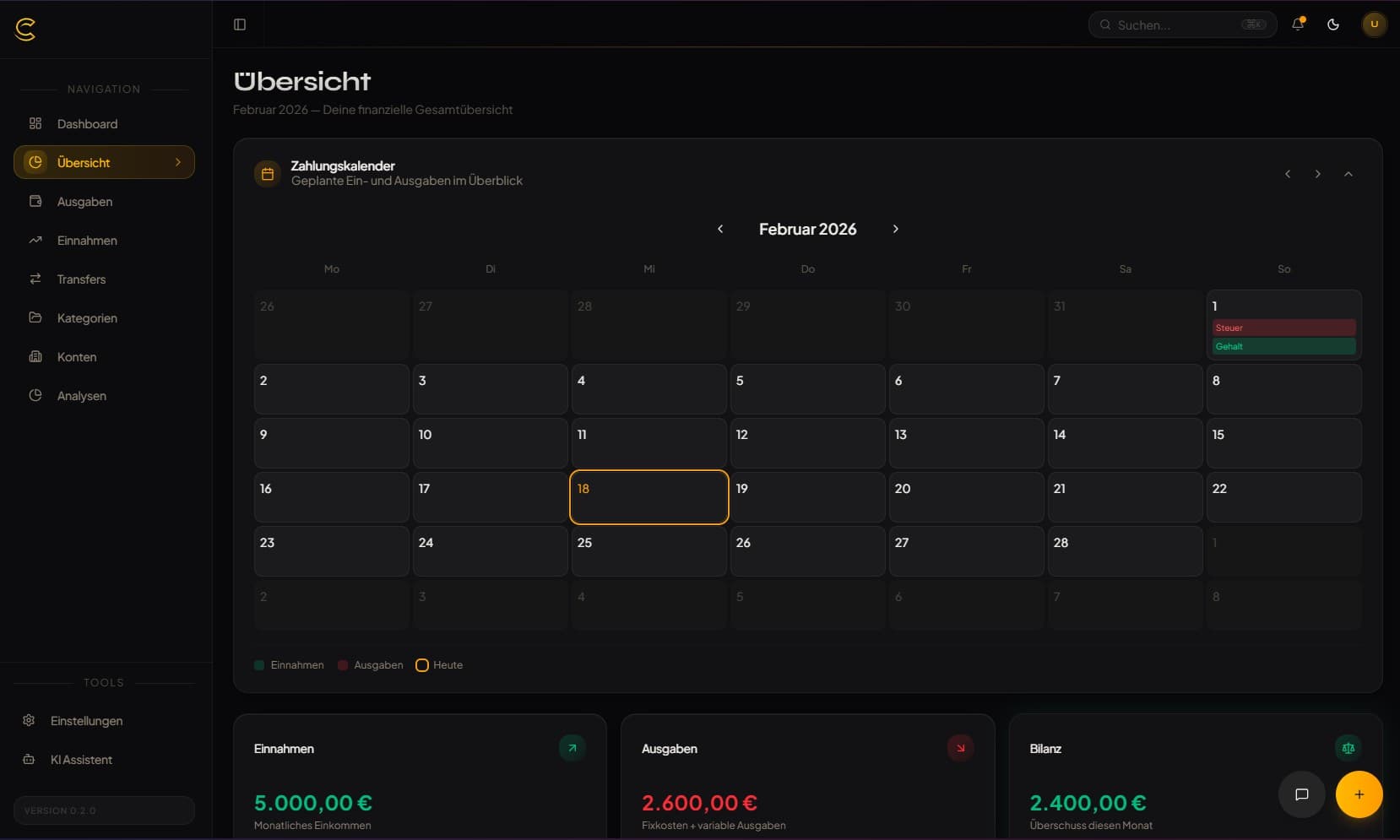
AI Financial Assistant
Ask your finances anything in plain language. No other free self-hosted app includes this.
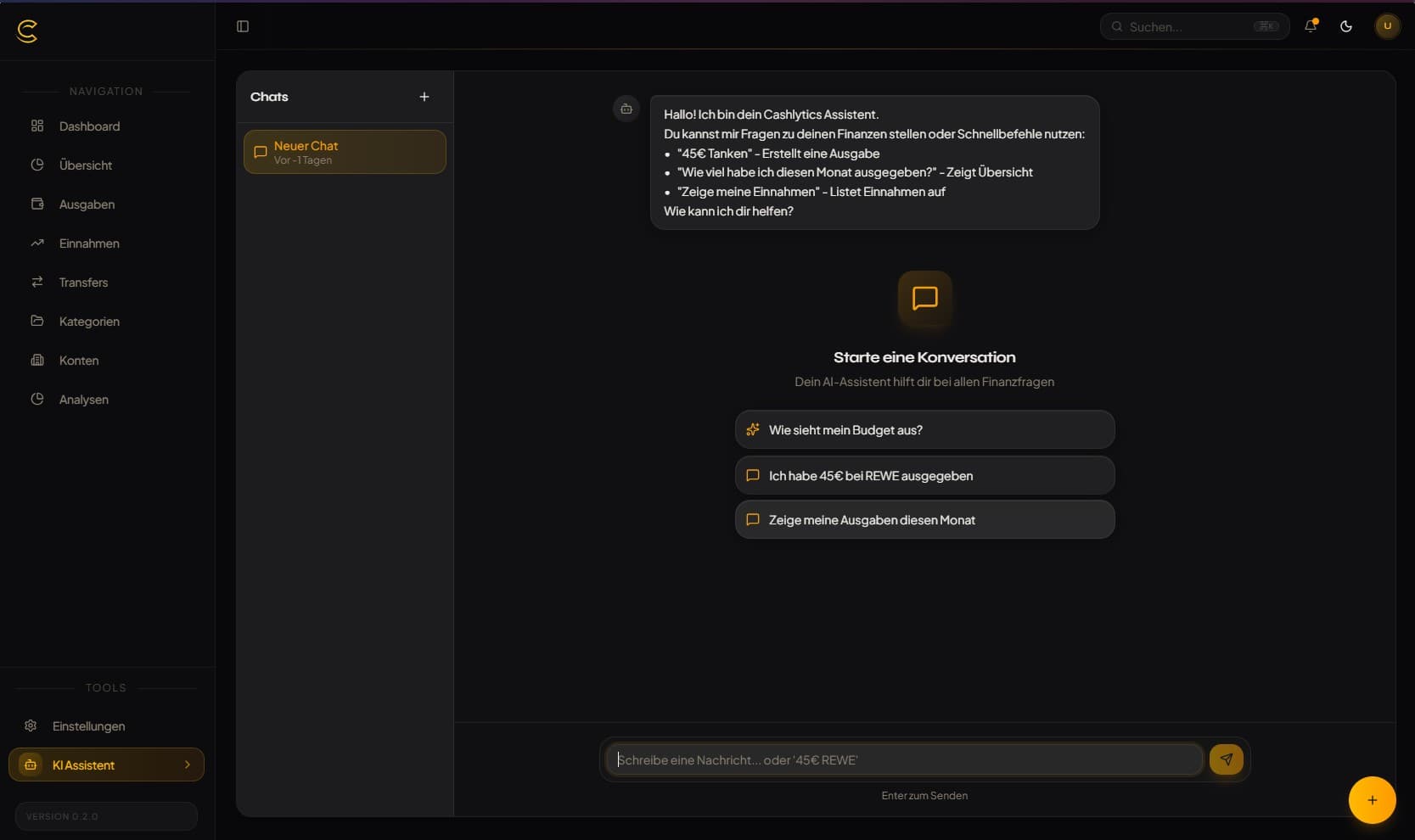
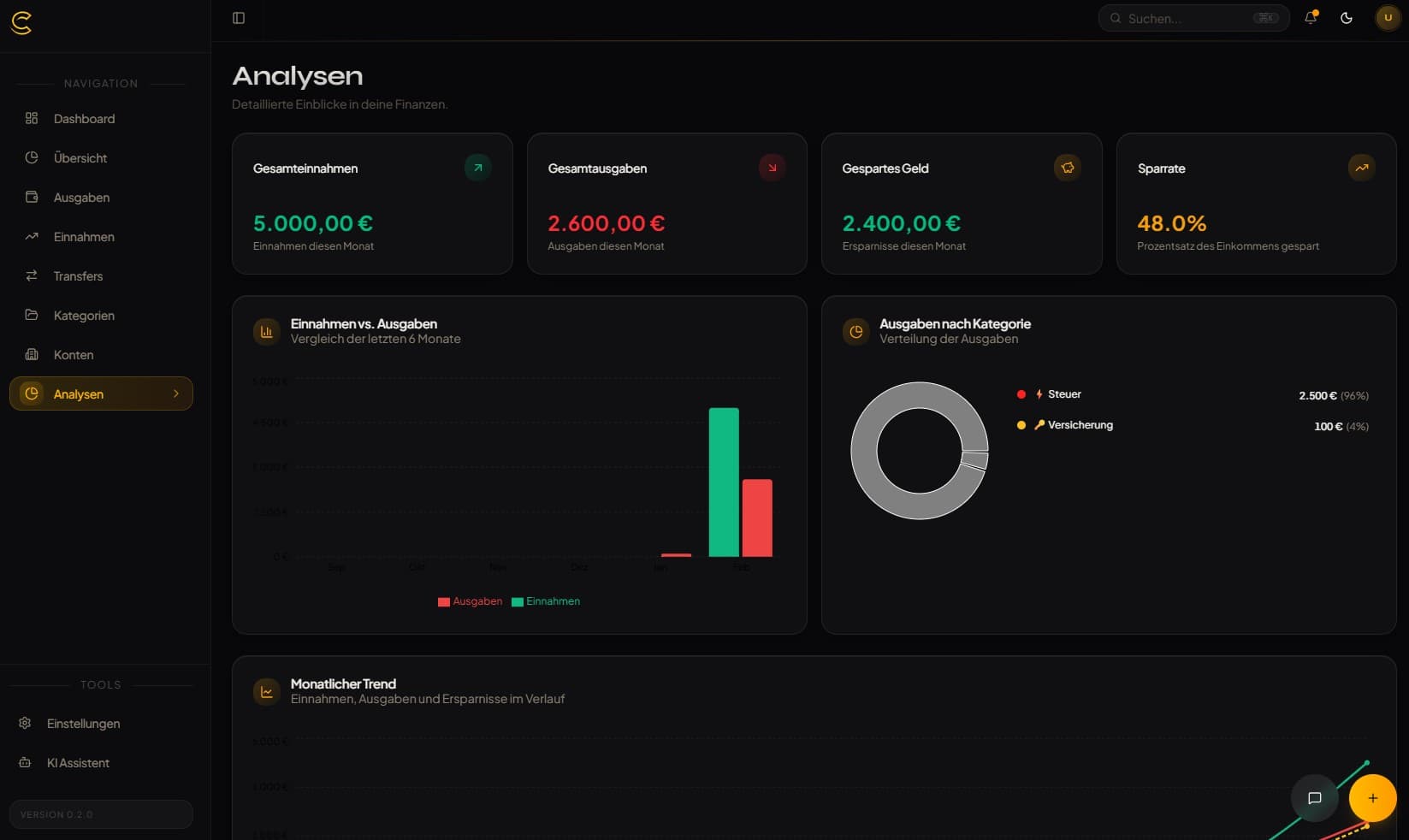
Budget Analytics & Forecasts
Monthly spending overview and account-level balance forecasts before bills hit.
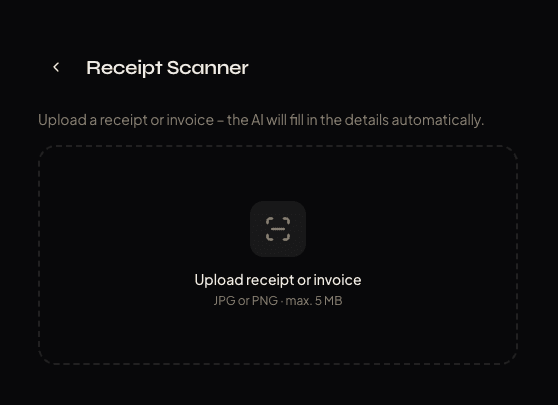
AI Receipt Scanner
Upload photos — AI extracts merchant, amount, date, and category automatically.
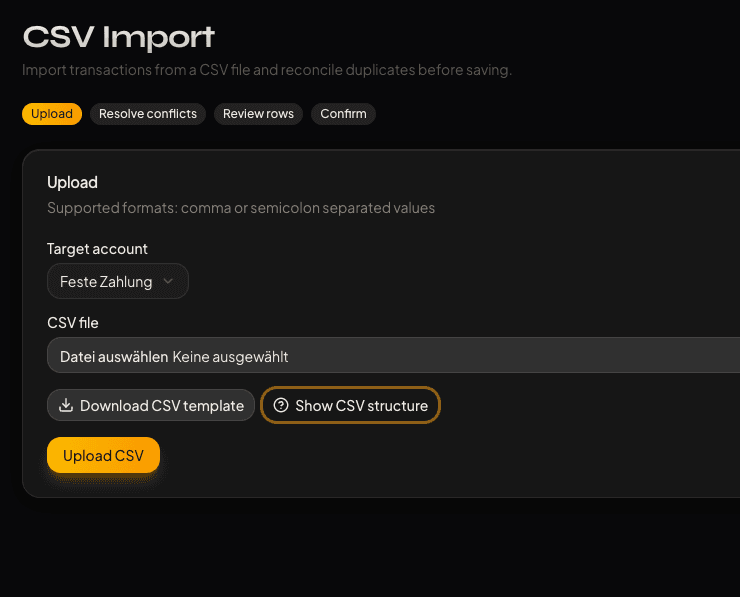
AI CSV Reconciliation
Import bank CSVs, map headers, detect duplicates, commit only clean transactions.
Global Search
Find accounts, transactions, and transfers from one fast command-style dialog.
Installable PWA
Install on phone or desktop like a native app — works offline too.
Push Notifications
Browser push reminders for upcoming bills and recurring payments.
Multi-User Household
Invite family or a partner — each user gets their own private data space.
Currency Converter
Store original currencies, convert to your preferred display currency.
Multi-Language (EN/DE)
English and German out of the box. More languages can be added via config.
Documents Library
Attach receipts and invoices to transactions, managed from a central library.
Multi-Account Tracking
Checking, savings, credit cards, and investments — all in one dashboard.
Secure Authentication
Password login with full reset support via SMTP. Secure by default.
SMTP Email Integration
Connect any mail server for password resets and payment reminders.
Single-User Privacy Mode
No login screen — pure, frictionless personal finance for solo use.
See It In Action
Receipts, CSV reconciliation, documents, reminders, search, currencies, and forecasts in one self-hosted finance workspace
Quick Start
Get Cashlytics running in under 5 minutes
Download & Configure
Download the official self-hosting compose file and .env template.
mkdir cashlytics && cd cashlytics
curl -O https://raw.githubusercontent.com/aaronjoeldev/cashlytics-ai/main/docker-compose.selfhost.yml
curl -O https://raw.githubusercontent.com/aaronjoeldev/cashlytics-ai/main/.env.example
cp .env.example .envReview Compose
Use the bundled compose setup with app, cron reminders, and PostgreSQL.
services:
  cashlytics:
    image: ghcr.io/aaronjoeldev/cashlytics-ai:latest
    ports:
      - "3000:3000"
  cashlytics-cron:
    image: alpine:3.20
    environment:
      CRON_SECRET: ${CRON_SECRET}
      NOTIFICATION_SCHEDULE: ${NOTIFICATION_SCHEDULE:-0 8 * * *}
  postgres:
    image: postgres:16-alpine
    environment:
POSTGRES_PASSWORD: ${POSTGRES_PASSWORD}Configure .env
Set required values and optionally enable AI, PWA push notifications, and SMTP.
# Required
POSTGRES_PASSWORD=your_secure_password
AUTH_SECRET=replace_with_a_long_random_secret

# Recommended for Docker/VPS/reverse proxy
AUTH_TRUST_HOST=true

# Optional - app URL
NEXT_PUBLIC_APP_URL=http://localhost:3000

# Optional - locale/currency defaults
NEXT_PUBLIC_DEFAULT_LOCALE=de
NEXT_PUBLIC_DEFAULT_CURRENCY=EUR

# Optional - registration mode
SINGLE_USER_MODE=true
SINGLE_USER_EMAIL=you@example.com

# Optional - for AI assistant features
OPENAI_API_KEY=sk-proj-...

# Optional - for PWA push reminders
VAPID_PUBLIC_KEY=...
VAPID_PRIVATE_KEY=...
VAPID_SUBJECT=mailto:you@example.com
CRON_SECRET=replace_with_random_hex
NOTIFICATION_SCHEDULE=0 8 * * *

# Optional - SMTP for password reset/welcome emails
SMTP_HOST=smtp.example.com
SMTP_PORT=587
SMTP_USER=your-email@example.com
SMTP_PASS=your_smtp_password
SMTP_FROM=noreply@example.com

# APP_URL=https://your-domain.comStart Cashlytics
Run Docker Compose and open your instance on port 3000.
docker compose -f docker-compose.selfhost.yml up -d

# Open http://localhost:3000
Built With Modern Tech
A robust stack for reliability and performance
Start Managing Your Finances — For Free, Forever
Take full control of your personal finances with Cashlytics — a free, open-source, self-hosted budget app with built-in AI assistance. No subscription required. No data leaving your server. Just you and your finances, finally in sync.